CONTROLS
Let players move the buttons
Allowing controls to be remapped is a basic guideline, and one of the four most complained-about issues alongside text size, colour blindness and subtitles.
Match a barrier thebestkinectgames
Start
INCLUSIVE GAME DESIGN
A game is only fun if you can get into it.
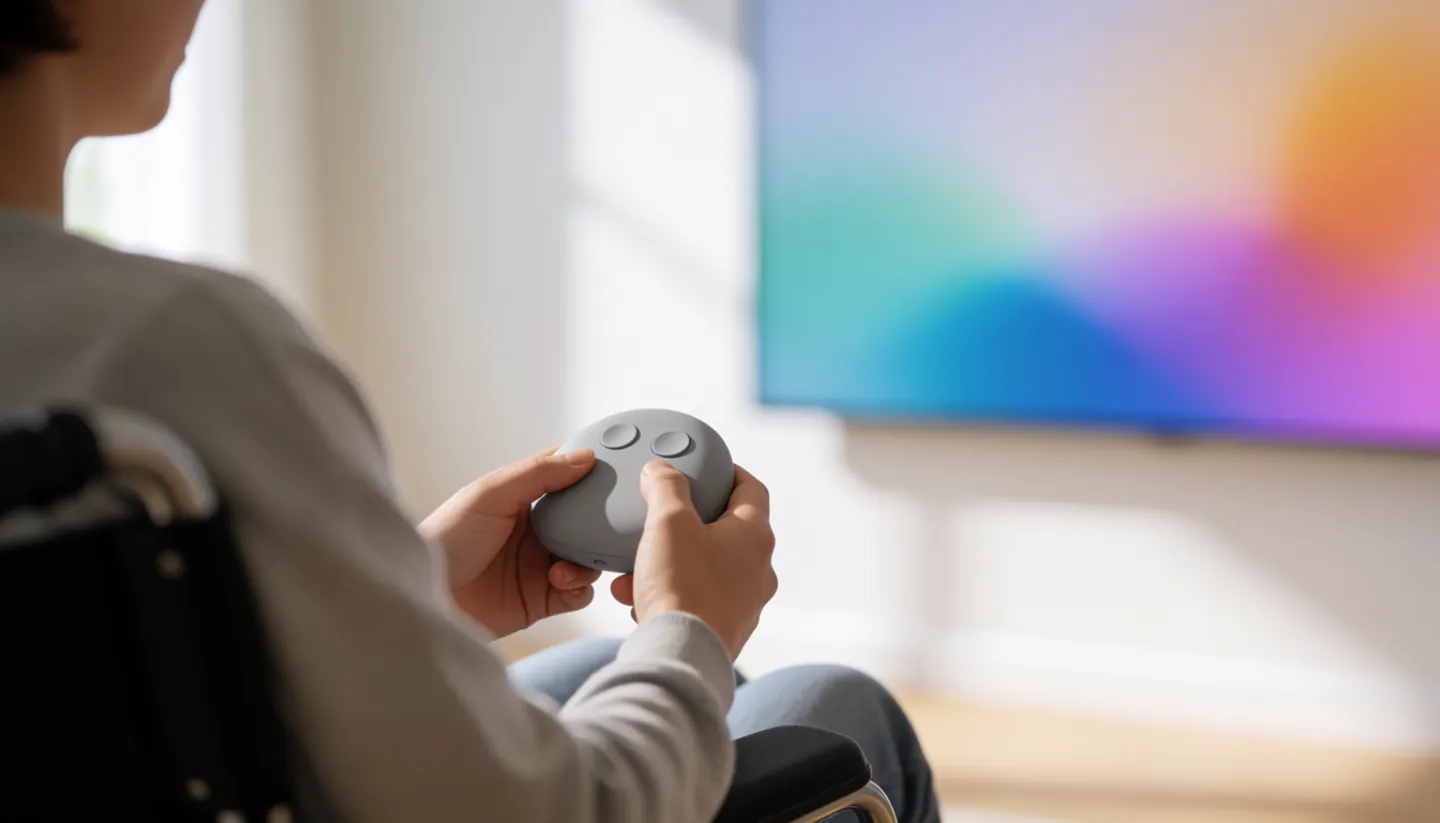
Small design choices decide who can: whether buttons can be moved, whether speech has subtitles, whether colour is the only clue, and whether a game insists on full-body movement.
24%of people in the UK are disabled
Match a barrier to a fixKeep in mind
THE SHORT ANSWER
Accessibility guidelines aim to remove
unnecessary barriers, not lower the fun.
CONTROLS
Allowing controls to be remapped is a basic guideline, and one of the four most complained-about issues alongside text size, colour blindness and subtitles.
Match a barrierMOTION
Guidelines say do not rely on motion tracking of specific body types, and keep gesture input supplementary, with key actions also possible by pad, keys or presses.
How studios use themSOUND AND SIGHT
Basic guidelines include subtitles for all important speech and making sure no essential information is shown by a fixed colour alone.
See the numbersBARRIER AND FIX
Pick a common barrier to see the matching guideline. The bar shows how demanding the Game Accessibility Guidelines rate it: basic, intermediate or advanced.
Guideline wording and levels from the Game Accessibility Guidelines (basic, intermediate and advanced lists). Levels balance reach, impact and cost to implement.
TWO NUMBERS WORTH KNOWING
Both figures from the UK government's
Family Resources Survey, 2022 to 2023.
24%
Share of people who were disabled
16.1 million people in 2022 to 2023, up from 12.2 million (19%) in 2012 to 2013. Disability follows the Equality Act 2010 definition.
UK · FAMILY RESOURCES SURVEY
69%
Disabled people reporting a mobility impairment
Mobility was the most common impairment among disabled adults over State Pension age, followed by stamina, breathing or fatigue (46%) and dexterity (33%).
OVER STATE PENSION AGE · FRS
Among disabled working-age adults, 47% reported a mental health impairment and 41% a mobility impairment. Impairments that affect movement, stamina and dexterity all shape how someone can use a controller or play standing up.
HOW STUDIOS ARE ASKED TO USE THEM
The guidelines describe a simple process for teams. Starting early matters, because retrofitting later costs more.
Step 1
Review the guidelines before work starts; many can be met by simple design decisions at the design document stage.
Step 2
Not every guideline fits every game, so decide which ones are relevant to your mechanics.
Step 3
Test prototypes with disabled players; including some in existing play-testing sessions makes a big difference.
Step 4
List accessibility features where players can find them, and do not hide options away in settings menus.
THREE LEVELS

The guidelines sort advice into three levels by balancing reach (how many people benefit), impact (how much difference it makes) and value (the cost to implement). Basic guidelines are easy to implement and apply to almost all game mechanics.
Intermediate ones need some planning but are still good general game design; advanced ones are complex adaptations for profound impairments and niche mechanics. Within each level, guidelines are grouped by motor, cognitive, vision, hearing, speech and general.
Questions
The Game Accessibility Guidelines define it as avoiding unnecessary barriers that prevent people with a range of impairments from accessing or enjoying a game.
The guidelines say the four most commonly complained-about issues are remapping, text size, colour blindness and subtitle presentation, while noting that most complained-about is not necessarily the same as most needed.
They can be for some players. The guidelines say not to rely on motion tracking of specific body types and to make sure key actions can also be done with pads, keys or presses, with gesture as a supplement.
The Family Resources Survey found 24% of people, 16.1 million, were disabled in 2022 to 2023, using the Equality Act 2010 definition.
A group of studios, specialists and academics, with core contributors from organisations including the BBC, OneSwitch.org.uk and Stockholm University. The site says it has supported the industry since 2012.
Destination
ABOUT THIS NAME
thebestkinectgames.com is part of the DoodleSale portfolio. It isn't in an auction right now, but you can ask about leasing it.